Introduction
Ever stumbled across the term IMEI generator and wondered what it actually means? You’re not alone. In a world full of smartphones, apps, and instant online tools, IMEI generators often pop up in tech conversations. This guide breaks everything down in a clear, friendly, and practical way—no tech degree required.

What Is an IMEI Generator?
An IMEI generator is a digital tool that creates a random IMEI number following official formatting rules. Think of it like a license plate generator for phones—it produces a valid-looking number without linking it to a real device.
These tools are usually free, instant, and web-based. Many people use them for software testing, app development, education, or learning how mobile networks work. Developers, testers, and curious users rely on them to simulate devices without touching a real smartphone.
An IMEI generator does not hack phones, unlock stolen devices, or magically bypass networks. At its core, it’s just math and structure. The generator follows a known pattern so the number looks real, but it doesn’t belong to an actual iPhone, Samsung, or Android device.

Used responsibly, an IMEI generator is like a practice key—it opens understanding, not doors it shouldn’t.
What Is an IMEI Number and Why It Matters?
IMEI stands for International Mobile Equipment Identity. It’s a unique 15-digit number assigned to every mobile phone. If your phone were a passport, the IMEI would be the passport number.
Mobile networks use IMEI numbers to identify devices, manage connections, block stolen phones, and help with support requests. When you buy a smartphone, that IMEI gets registered with the carrier.
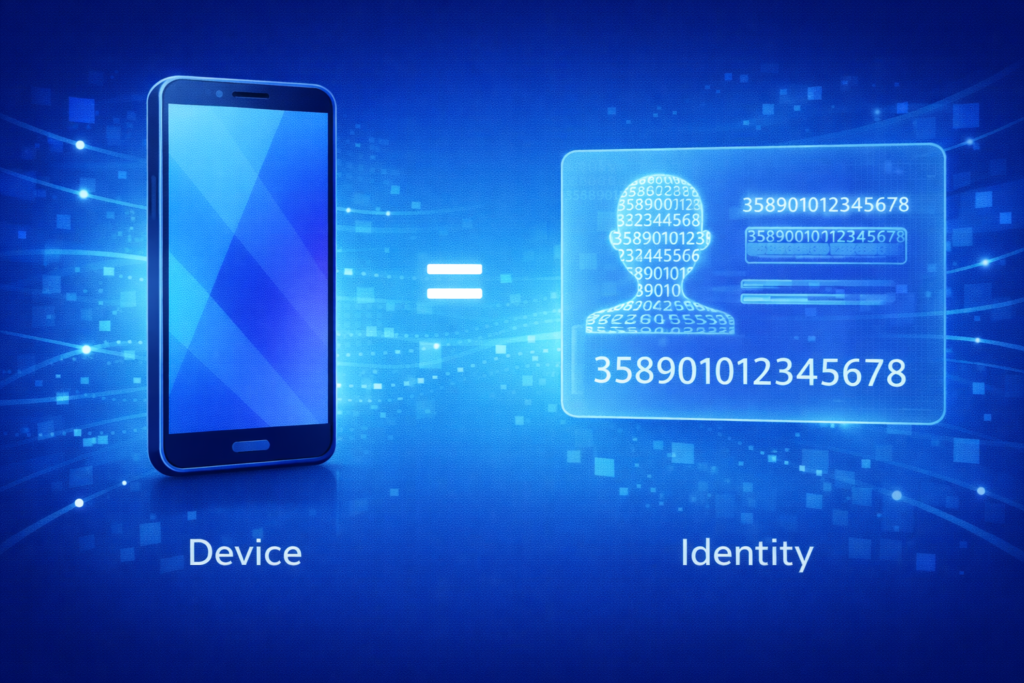
IMEI numbers matter because they:
- Help carriers block lost or stolen phones
- Allow users to check if a used phone is clean
- Support warranty and repair services
- Identify devices across global networks
Without IMEI numbers, mobile systems would be chaos—like an airport with no boarding passes.
Key Uses
- Identifying a mobile device on a network
- Blocking stolen or lost smartphones
- Checking phone authenticity before buying
- Supporting carrier services and repairs
- Tracking device compatibility
How to Find It
You can usually find your IMEI by dialing *#06# on your phone, checking settings, or looking on the box. It works the same on Android, iPhone, and Samsung devices.
SafeUnlocks Random IMEI Generator
The SafeUnlocks Random IMEI Generator is a simple, user-friendly tool designed for people who want to understand how IMEI numbers work without touching real device data. It’s built with clarity and safety in mind, making it suitable for beginners, developers, testers, and curious users alike.
Unlike shady tools that promise shortcuts or risky outcomes, SafeUnlocks focuses on education, testing, and learning. The generator creates random IMEI numbers that follow official formatting rules, but they are not connected to any real mobile, Android, iPhone, or Samsung device.
Because the tool is browser-based, it works instantly on any smartphone, tablet, or computer. There’s no software to install, no login required, and no personal data collected. This makes it especially appealing to users who want a fast and low-risk way to explore IMEI concepts or test apps in a controlled environment.

Overall, SafeUnlocks positions itself as a responsible option in a space that is often misunderstood or misused.
How It Works
The generator randomly assembles an IMEI using real-world rules, including a valid TAC, serial number, and check digit. The process is instant and purely mathematical.
Key Features
- Free and instant IMEI generation
- No registration or login required
- Works on all devices and browsers
- Clean, beginner-friendly interface
- Follows official IMEI structure rules
- Designed for testing and learning purposes
Common Uses
People commonly use SafeUnlocks for app testing, software demos, learning how IMEI validation works, and simulating devices in development environments without using real phone data.
Legal Note
Generated IMEIs are meant for educational and testing use only. Using them on real networks, changing a phone’s IMEI, or bypassing carrier restrictions may be illegal depending on local laws.
How an IMEI Generator Works?
At first glance, an IMEI generator might feel like a mysterious black box. However, once you break it down, the process is actually very logical and structured. Think of it like baking a cake: you follow a fixed recipe, step by step, and if you do it right, the result always makes sense.
An IMEI generator doesn’t guess numbers randomly. Instead, it follows international rules that define how every IMEI must be built. These rules ensure the final number looks valid, passes technical checks, and matches the structure used by real mobile networks.
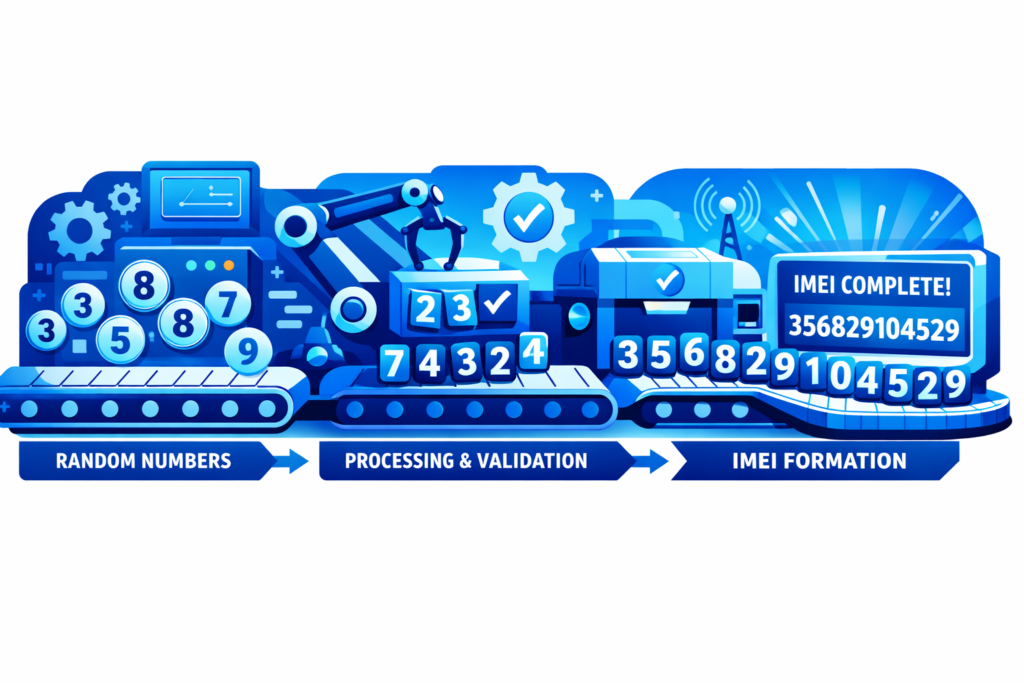
The process usually has three main steps: choosing a TAC code, adding a serial number, and calculating a final validation digit. Each step plays an important role, and skipping one would break the whole system. Let’s walk through it in a clear and simple way.
IMEI Basics
An IMEI number always contains 15 digits. The first part identifies the phone’s model and manufacturer, while the last digit confirms whether the number is mathematically valid. This structure is the same across Android, iPhone, Samsung, and other smartphone brands, which is why generators can follow a universal formula.
Step 1: Pick TAC Code
The TAC (Type Allocation Code) is the first 8 digits of an IMEI. It represents the phone’s brand and model category. For example, certain TACs are assigned to specific Samsung or Apple iPhone models. An IMEI generator selects a valid TAC from known ranges so the number follows official standards.
Step 2: Add Serial Number
Next, the generator adds a 6-digit serial number. This part makes each IMEI unique within the same model group. Think of it like apartment numbers in the same building—same address, different doors. These digits are usually generated randomly but still fit within accepted limits.
Step 3: Calculate Check Digit
The final digit is the check digit, calculated using the Luhn algorithm. This step confirms the IMEI isn’t malformed or mistyped. If you’re curious about structured validation logic, the concept is similar to step-based reasoning explained in this guide on a check digit.
Without this last step, the IMEI would fail basic validity tests and be instantly rejected by systems.
Common Reasons People Search for an IMEI Generator
People search for an IMEI generator for many different reasons, and most of them are not about doing anything wrong. In reality, curiosity, learning, and testing are the biggest drivers. As smartphones become more connected to apps, services, and networks, users naturally want to understand how device identification works behind the scenes.

For casual tech users, developers, and even everyday buyers, an IMEI generator feels like a simple way to explore the mobile world without touching real data. Below are the most common reasons why people look for these tools online.
Testing Apps and Software
App developers and testers often use generated IMEI numbers to test how apps behave without using real devices. This is common in development environments where learning backend logic—similar to understanding JSP meaning in web workflows — helps simulate real-world conditions safely.
Checking Blacklists
Many users want to understand how IMEI blacklists work before buying a used smartphone. By experimenting with generated numbers, they learn how carriers flag lost or stolen mobile devices and how blacklist checks respond.
Privacy Experiments
Some people use IMEI generators to see how apps or systems react to device identifiers without exposing personal data. This allows privacy-focused users to explore mobile behavior without linking tests to their real Android or iPhone.
Unlocking Devices
While risky and often misunderstood, some users search for IMEI generators hoping to unlock phones. Many don’t realize that changing a real IMEI can be illegal and cause network blocks or permanent issues.
Buying Used Phones
IMEI knowledge helps buyers make smarter choices. People use generators to understand IMEI formats before checking real numbers on used Samsung or iPhone devices, reducing the risk of buying blocked or blacklisted phones.
Is Using an IMEI Generator Legal?
This is one of the most important questions people ask when they first hear about an IMEI generator. The short answer is: it depends on how and why it’s used. Just like many tech tools, an IMEI generator itself isn’t automatically good or bad. What matters is the intent and the action that follows.

In everyday terms, generating a number for learning or testing is very different from changing the identity of a real mobile device. Understanding this difference helps users avoid serious problems while still learning how smartphone systems work.
Why Use Generators?
Most people use IMEI generators for harmless reasons such as software testing, education, or understanding how smartphone identification works. Developers, students, and curious users rely on generated data to experiment without risking real Android, iPhone, or Samsung devices.
Is It Legal?
In many countries, generating an IMEI number for educational or testing purposes is legal. However, changing or using a fake IMEI on a real phone is often illegal. Laws exist to prevent fraud, phone theft, and network abuse. Carriers can block devices and authorities may apply penalties.
Safe Alternatives
Instead of modifying IMEIs, users can rely on legal options like official testing tools, demo devices, and carrier-approved methods. When buying used phones, always check the real IMEI through trusted databases. These approaches provide clarity without risking legal trouble or network bans.
Legitimate Use Cases for IMEI Generators
An IMEI generator often gets misunderstood because of how it can be misused. However, when used responsibly and legally, it plays an important role in several professional and educational contexts. Developers, testers, trainers, and quality teams rely on generated IMEI numbers to simulate real-world conditions without touching actual user data. Below are the most common legitimate use cases where IMEI generators are both practical and necessary.

Software Testing
In software testing, IMEI generators help developers simulate mobile devices during app development. Instead of using real device identifiers, testers use generated IMEIs to check login flows, device recognition, analytics tracking, and backend responses. This approach keeps testing environments safe, legal, and free from privacy risks.
Education and Training
For education and training purposes, IMEI generators are useful tools for teaching how mobile networks and device identification systems work. Students in IT, telecom, or cybersecurity programs can practice handling IMEI formats and validation rules without accessing real device data, which makes learning both ethical and compliant.
Quality Assurance
Quality assurance teams use IMEI generators to verify system stability across different device scenarios. By testing applications and platforms with multiple generated IMEIs, QA professionals can identify edge cases, detect bugs, and ensure consistent behavior. This process improves reliability while avoiding exposure to real customer information.
Developer Tools
IMEI generators are often built into developer tools and testing frameworks. They allow engineers to automate simulations, run stress tests, and validate device-based logic at scale. Since generated IMEIs are artificial, developers can confidently debug, iterate, and deploy features without violating data protection rules.
Why generate an IMEI with SafeUnlocks?
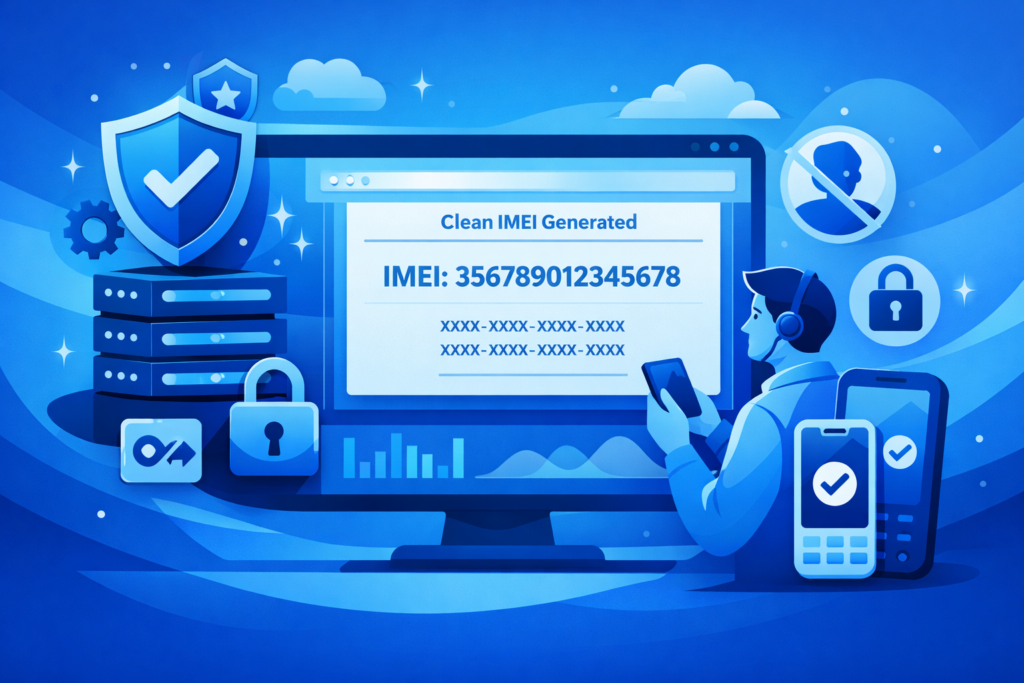
Generating an IMEI with SafeUnlocks can be useful in specific scenarios like development and testing where a valid, correctly structured identifier is needed. Below is an overview of what the service does, why someone might use its IMEI tool, and common legitimate use cases.
What Does SafeUnlocks Do?
SafeUnlocks is an online platform that offers various mobile device services including carrier unlocking, FRP and iCloud removal, and IMEI-related tools. One of its features is a Random IMEI Generator, which creates valid IMEI numbers that conform to the standard formatting and checksum rules (Luhn algorithm).
Why Use Their Generator?
People may use SafeUnlocks’ IMEI generator to obtain structurally valid IMEI numbers without relying on real device identifiers. These generated IMEIs follow correct formatting rules, making them useful for software testing, validation, and simulation of systems that process IMEI input without exposing private or real user data.
Common Uses
- Software testing — simulate device identifiers in development environments.
- Data validation — check IMEI format handling and checksum logic.
- Quality assurance — run scenarios with varied IMEI inputs.
- Training and education — teach IMEI structure and validation rules.
- Documentation or demos — supply example IMEIs in technical materials.
Risks and Dangers of Using Fake IMEI Numbers
Using fake or altered IMEI numbers may seem harmless at first, especially when people misunderstand what IMEIs are used for. However, outside of controlled testing or educational environments, using a fake IMEI can lead to serious legal, technical, and security problems. Mobile networks, manufacturers, and regulators treat IMEI misuse as a red flag because it can be linked to fraud, theft, or identity manipulation. Below are the main risks you should clearly understand.
Legal Trouble
In many countries, changing or using a fake IMEI is illegal. Laws often classify IMEI tampering as fraud or device identity manipulation. If caught, users may face fines, confiscation of devices, or even criminal charges, depending on local regulations and the intent behind the misuse.
Network Blocks
Mobile carriers actively monitor IMEI numbers. If a fake or duplicated IMEI is detected, the device may be blocked from the network. This means no calls, texts, or mobile data. In some cases, the IMEI can be permanently blacklisted across multiple carriers.
Security Risks
Using fake IMEIs can expose users to security threats. Many tools that promise IMEI modification are unsafe or bundled with malware. These tools can steal personal data, install spyware, or compromise the device’s operating system, putting sensitive information at serious risk.
Other Issues
Fake IMEIs can also cause practical problems like failed software updates, warranty voids, or app malfunctions. Some services rely on IMEI verification to function properly. When the identifier doesn’t match expected records, features may break or accounts may be restricted unexpectedly.
Online IMEI Generator Tools: What to Know
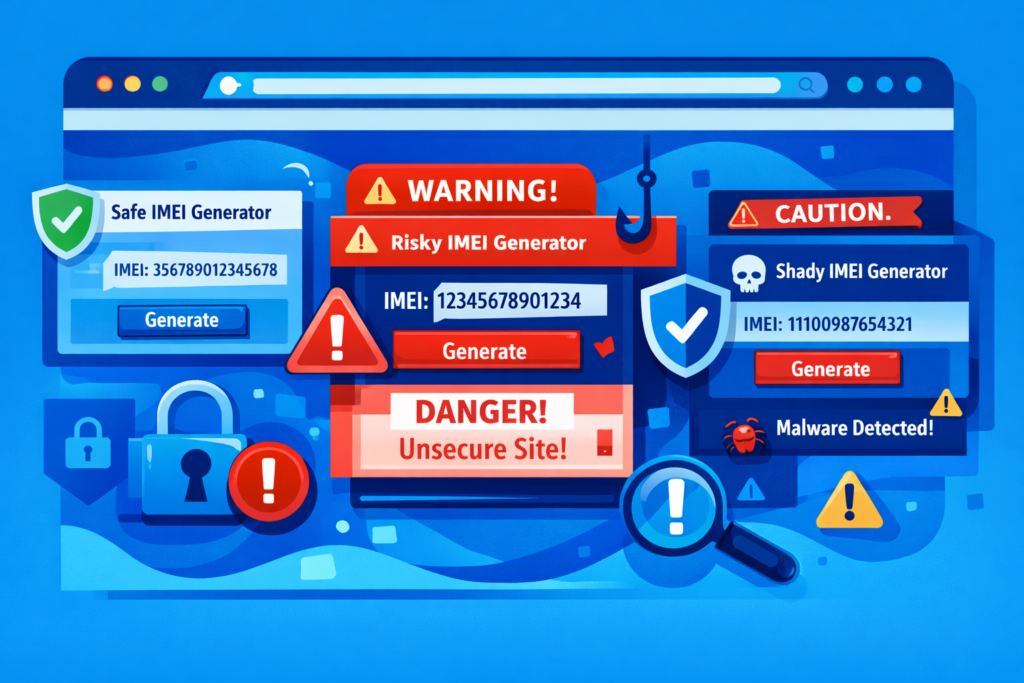
Online IMEI generator tools are widely available and easy to use, which often leads to confusion about what they are meant for. While these tools can be helpful in controlled and legal scenarios, they also come with limitations and risks that users should clearly understand. Knowing how they work, why people use them, and where problems can arise helps you make informed and responsible decisions.
How They Work?
Online IMEI generators create random IMEI numbers that follow official formatting rules. Most tools apply the standard 15-digit structure and use checksum algorithms to ensure the number looks valid. These IMEIs are not tied to real devices and are meant only for simulation or testing.
Common Uses
IMEI generator tools are commonly used for software testing, app development, quality assurance, and education. Developers use them to test device-based logic, while students use them to learn how IMEI validation works. They are also useful for demos, documentation, and training environments.
Key Risks
The biggest risk is misuse. Some people use fake IMEIs to bypass network restrictions or hide stolen devices, which is illegal. In addition, many online generators are hosted on unsafe websites that may contain ads, trackers, or malware, creating privacy and security risks for users.
Legal Side
Legality depends on intent and usage. Generating IMEIs for testing or education is generally allowed, but using them on real devices or networks may break the law. Many countries ban IMEI tampering or impersonation, and violations can lead to fines, device bans, or legal action.
How to Check if an IMEI Number Is Valid?
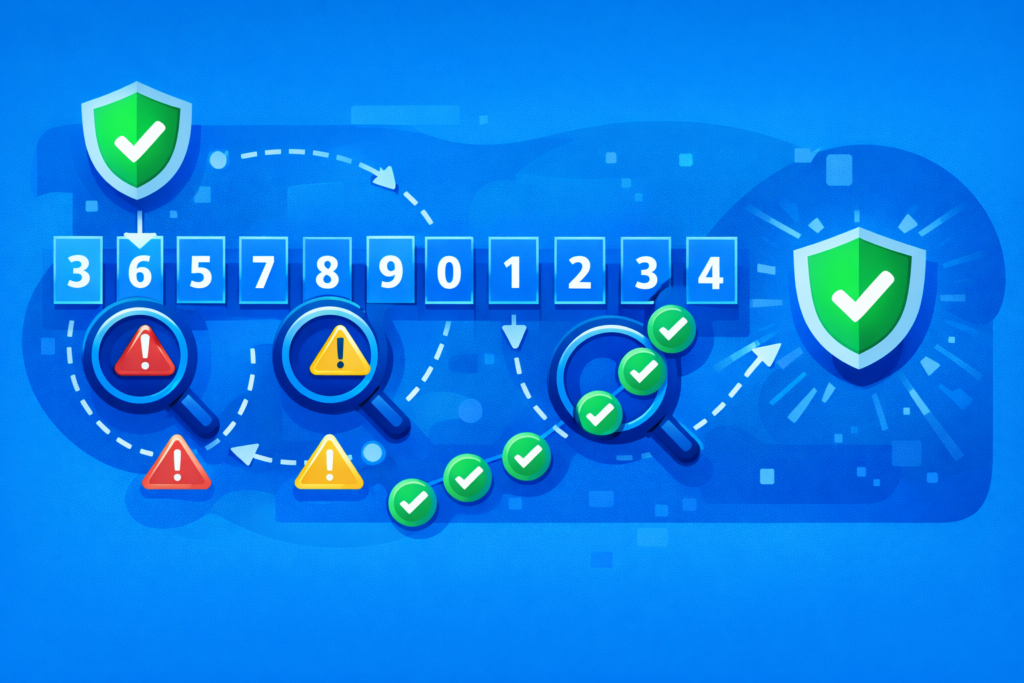
Checking whether an IMEI number is valid is useful for developers, buyers of second-hand phones, and anyone learning how mobile device identification works. A valid IMEI follows strict formatting and mathematical rules. The process doesn’t confirm ownership or legality, but it does verify whether the number itself is correctly structured. Below is a simple, step-by-step way to check IMEI validity.
Find Your IMEI
You can find an IMEI by dialing *#06# on most phones, checking the device settings, or looking on the original box or receipt. For learning or testing purposes, you may also use a sample IMEI. Always avoid sharing a real IMEI publicly to protect privacy.
Check Length First
A standard IMEI must contain exactly 15 digits. If the number has fewer or more digits, it is automatically invalid. There should be no letters, spaces, or symbols. This quick length check eliminates many incorrect IMEIs before moving on to more detailed validation steps.
Apply Luhn Check
The IMEI uses the Luhn algorithm for validation. Starting from the right, double every second digit. If doubling creates a two-digit number, subtract 9 from it. Leave the other digits unchanged. This process prepares the IMEI for the final mathematical verification.
Add All Digits
After applying the Luhn adjustments, add together all 15 digits. This total is the key to checking validity. Take your time and ensure accuracy, because even one small math error can make a valid IMEI appear incorrect during this step.
Final Validity Test
If the total sum of the digits is divisible by 10, the IMEI is mathematically valid. If it is not divisible by 10, the IMEI fails the check. Passing this test means the IMEI follows official formatting rules, not that it belongs to a real device.
IMEI Generator vs IMEI Checker: Key Differences
Although IMEI generators and IMEI checkers are often mentioned together, they serve very different purposes. One creates sample identifiers, while the other verifies existing ones. Understanding how they differ helps you choose the right tool and avoid misuse.
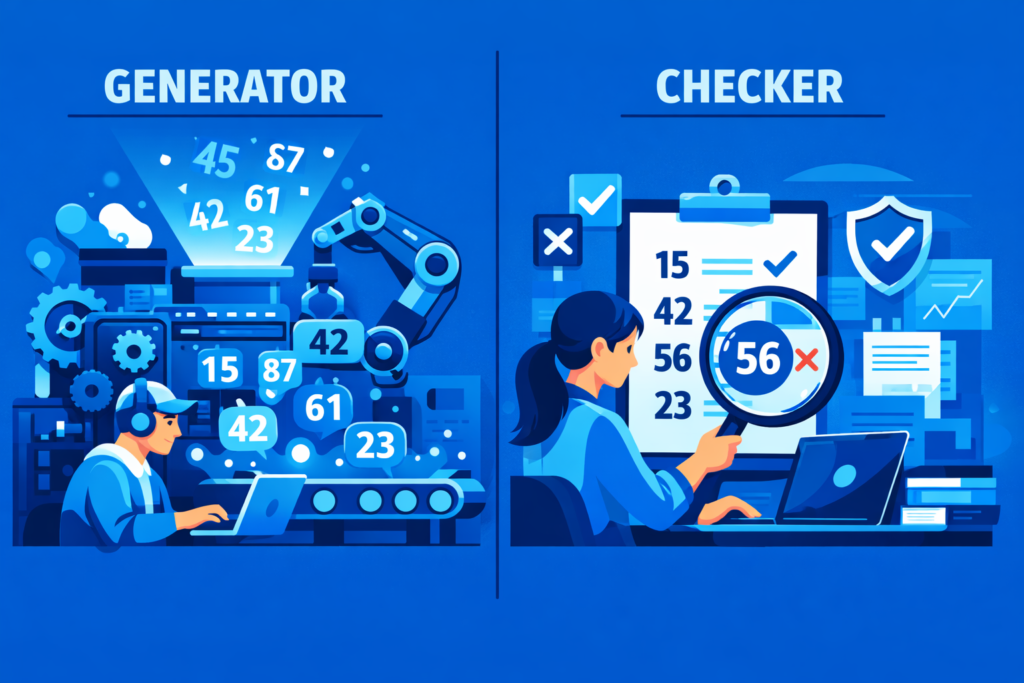
Table Overview: IMEI Generator vs IMEI Checker
| Aspect | IMEI Generator | IMEI Checker |
| Core Function | Creates random, structurally valid IMEI numbers | Verifies an existing IMEI number |
| Input Required | None (or optional settings like brand/TAC) | A specific IMEI number |
| Output | New, artificial IMEI values | Status or validation result |
| Data Source | Algorithms (format + checksum rules) | Carrier or database records |
| Privacy Impact | No real device data involved | Uses a real IMEI for lookup |
| Typical Users | Developers, testers, students | Buyers, sellers, consumers |
| Use Environment | Testing, simulation, education | Real-world device checks |
| Risk Level | Low when used responsibly | Low, but depends on data accuracy |
| Confirms Legality | No | Sometimes (e.g., blacklist status) |
| Confirms Ownership | No | No |
Main Purpose Differences
An IMEI generator’s purpose is to create valid-looking IMEIs for testing or learning without touching real devices. An IMEI checker’s purpose is to verify an existing IMEI to see if it’s valid, blacklisted, or recognized by networks. One is synthetic; the other is diagnostic.
Key Output Differences
IMEI generators output brand-new, artificial numbers that only meet formatting rules. IMEI checkers output information—such as validity, blacklist status, or network compatibility—based on a real IMEI. In short, generators give you numbers; checkers give you answers about numbers.
When to Use Each
Use an IMEI generator for software testing, QA, demos, or education where real IMEIs aren’t appropriate. Use an IMEI checker when buying a used phone, troubleshooting network issues, or confirming whether a device is blocked or recognized by carriers.
Ethical Alternatives to Using an IMEI Generator
While IMEI generators can be useful in controlled testing environments, many real-world situations call for safer and more ethical alternatives. If your goal is to verify a device, unlock features legally, or avoid network issues, there are better options than generating fake identifiers. Choosing ethical methods protects you from legal trouble, security risks, and unexpected service blocks. Below are responsible alternatives that serve legitimate needs without misusing IMEI numbers.

Find Real IMEI
If you own the device, the safest option is to use its real IMEI. You can find it by dialing *#06#, checking the phone’s settings, or looking on the original box or receipt. Using the actual IMEI ensures accuracy and avoids legal or technical complications.
Check IMEI Status
Instead of generating a new IMEI, use an IMEI checker to verify the status of an existing one. These tools can show whether a device is blacklisted, blocked, or compatible with networks. This approach helps you make informed decisions, especially when buying or selling a phone.
Remove Blacklist Legally
If a phone is blacklisted due to unpaid bills or reporting errors, resolve the issue through legal channels. Contact the carrier or seller to request a legitimate blacklist removal. This process may take time, but it’s the only lawful way to restore full network access.
Use for Testing Only
When you truly need generated IMEIs, limit their use strictly to software testing, education, or simulations. Keep them out of real devices and networks. Clear boundaries between testing environments and real-world use help prevent misuse and reduce ethical concerns.
Buy Clean Devices
When purchasing a used phone, always choose devices with a clean IMEI. Check the IMEI before buying to confirm it isn’t blocked or stolen. Buying clean devices saves money, avoids network issues, and removes the temptation to rely on unethical workarounds.
Best Practices for Staying Safe Online When Using Tech Tools
Using online tech tools can make life easier, but it also comes with risks if you’re not careful. From data leaks to malware, small mistakes can lead to big problems. Following basic online safety practices helps protect your accounts, devices, and personal information. These habits are especially important when using unfamiliar tools, testing software, or visiting technical websites.

Use Strong Passwords
Always create strong, unique passwords for every account you use. Combine uppercase and lowercase letters, numbers, and symbols. Avoid using names, birthdays, or common words. A password manager can help you store and generate secure passwords without the need to remember them all.
Update Everything
Keep your operating system, apps, browsers, and plugins updated at all times. Updates often include security patches that fix known vulnerabilities. Delaying updates leaves your device open to attacks that are easily prevented with the latest software versions.
Avoid Bad Links
Be cautious when clicking links, especially on unknown websites or in emails and ads. Malicious links can install malware or steal login details. If a website looks suspicious, has too many pop-ups, or forces downloads, leave immediately and avoid interacting further.
Install Protection Tools
Use reliable antivirus, anti-malware, and firewall tools on all your devices. These tools can detect threats, block unsafe websites, and warn you about suspicious activity. Even free security software adds an important layer of protection when browsing or testing online tools.
Be Smart with Info
Never share sensitive information like IMEI numbers, passwords, or personal details on public platforms. Use only trusted services and read privacy policies before entering data. The less information you share online, the lower your risk of identity theft or data misuse.
Frequently Asked Questions
IMEI generators and IMEI numbers often raise questions, especially because they sit at the intersection of technology, privacy, and legality. The answers below clarify common concerns in simple terms. Whether you’re learning, testing software, or just curious, these FAQs help you understand what’s allowed, what’s risky, and what alternatives exist.
An IMEI generator is mainly used for software testing, education, and demonstrations. Developers and testers use it to create sample IMEI numbers that follow valid formats. These generated numbers help simulate device behavior without exposing or using real phone identifiers.
No, an IMEI generator does not create a real phone’s IMEI. It only produces numbers that look valid mathematically. Generated IMEIs are not officially assigned to devices and should never be used on real phones or mobile networks.
Generating IMEIs for learning or testing is usually legal. However, changing or using a fake IMEI on a real device is illegal in many countries. Laws often treat IMEI tampering as fraud, which can lead to fines, device confiscation, or criminal charges.
Yes, fake or duplicated IMEIs can be detected and tracked by mobile networks. Carriers monitor unusual activity and repeated identifiers. If a fake IMEI is flagged, the device may be blocked or blacklisted, sometimes across multiple networks and regions.
Some online IMEI generators are safe for viewing or testing formats, but many are hosted on risky websites. These sites may contain malware, trackers, or misleading ads. Always avoid entering personal data and use reputable, ad-free tools when possible.
You can find your phone’s IMEI by dialing *#06# on the keypad, checking the settings menu, or looking on the original box or receipt. Some devices also display the IMEI on the SIM tray or the back of the phone.
If your phone’s IMEI is blacklisted, it may lose access to mobile networks. Calls, texts, and data may stop working. Blacklisting often happens due to theft reports or unpaid bills, and removal usually requires contacting the carrier or original seller.
Yes, legal alternatives include using your real IMEI for checks, verifying status with IMEI checker tools, resolving blacklist issues through carriers, or buying devices with clean IMEIs. For testing, use generated IMEIs only in controlled environments, never on real networks.